We’ve made another round of updates to BGK, with improvements aimed at two parts of the experience: working on a game prototype and testing it with other people.
Some of the changes are visible, such as the updated Component Inspector and the new Game Surface settings. Others are less visible, but just as important when you are trying to run a reliable playtest.
Easier day-to-day design work
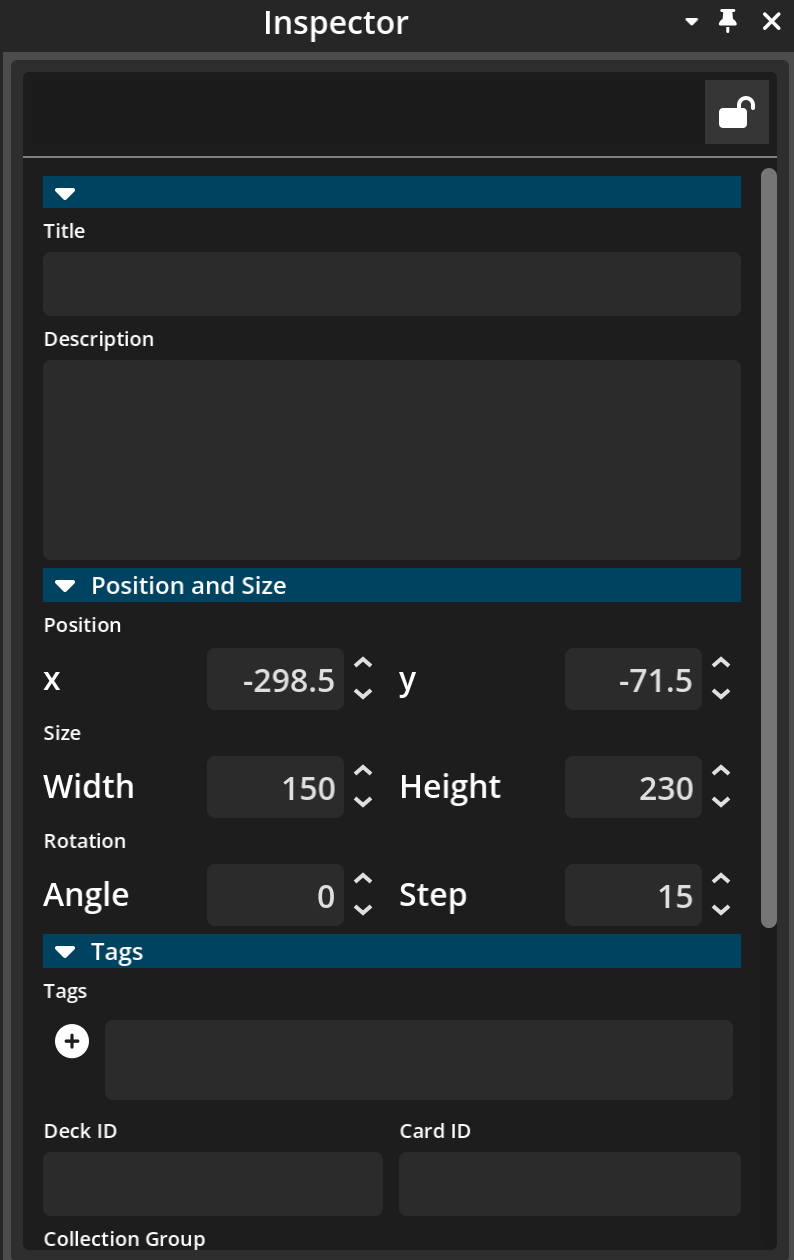
The Component Inspector has been updated to make finding and editing component properties easier. Categories can now be expanded and collapsed, so it is simpler to focus on the settings you need.
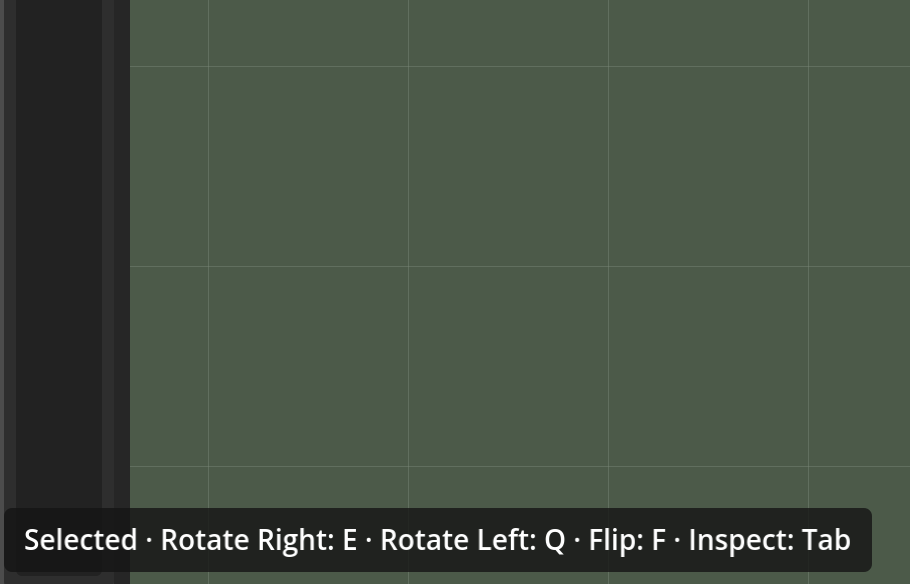
BGK now also shows keyboard shortcut hints in the corner of the screen. These hints adapt to the current context, so the available controls are easier to discover while you work.
Importing assets is clearer as well. A progress bar now appears when new assets are dragged into BGK, and the import can be cancelled when needed.
We’ve also improved the way components can be stacked and ordered. Components can be placed into stacks by dragging and dropping, and their priority within layers can be assigned more clearly. A designer can also inspect, edit, and save the properties of components while they are in a hand or on the tabletop.
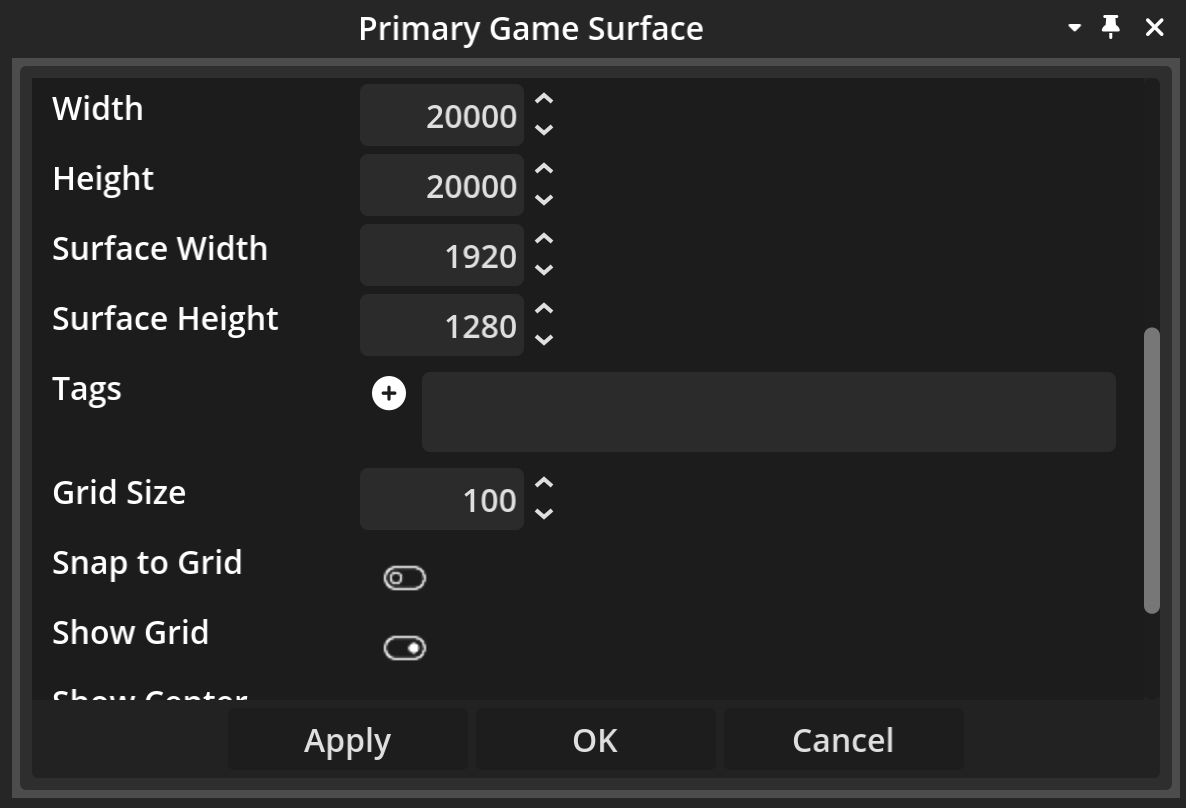
The Game Surface lets you adjust your tabletop in more detail. Designers can set its dimensions, define camera limits, and choose a custom background image for the tabletop.
A smoother playtesting experience
This update also includes several changes that make playtests easier to start and more reliable while they are running.
A new share-playtest button copies the appropriate playtest link to the clipboard. Choosing a seat as a player or spectator is clearer for people joining a playtest, and several network changes improve how synchronisation data and connection states are handled.
We have also fixed a range of issues that could interrupt a test. These include upload requests getting stuck, components remaining on screen after being moved elsewhere, duplicate player hands, players appearing before they had connected properly, cards shifting to the wrong position in a hand, and tiles rotating continuously when stacked on other tiles.
Other fixes improve how components rotate and stack, restore missing card-deck menu options, and make sure players cannot edit game components from inside an active playtest.
More reliable projects and controls
There are a number of smaller improvements throughout the update as well. Kiln version tracking and migration have been added to help preserve saved projects as versions change. Card stacks can now flip over the top number of cards from the context menu, and the correct side of a two-sided component is shown while it is being dragged.
We also adjusted a few shortcuts and camera controls. The shuffle key shortcut (R) no longer conflicts with one of the camera panning key shortcuts (S), the Deal action now uses Shift+D, and camera movement is smoother when the pointer is over components.
Take another look at BGK
BGK is still in beta, and we’re continuing to improve the workflow as we test it in practice.
If you’ve tried BGK before, this is a good time to take another look. If you’re new to it, we’d be interested to hear what feels clear, what still feels awkward, and which part of the design or playtesting workflow you would most like to improve.
Try the current version of BGK here.
If you’d like to share feedback or suggest a feature, join our Discord community.